


SolidRed 3.1
Device configuration
Table of contents
Each device can be configured individually by clicking on the Configure device option, available in the sub-menu visible after clicking the vertical ellipsis next to the device and in the detail view of the device.
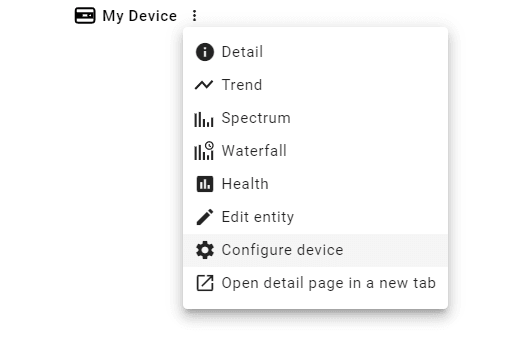
Configure device option
Alternatively, the user can batch configure devices. This option is available in the sub-menu of an entity that contains devices or other entities and in the detail view of the asset.
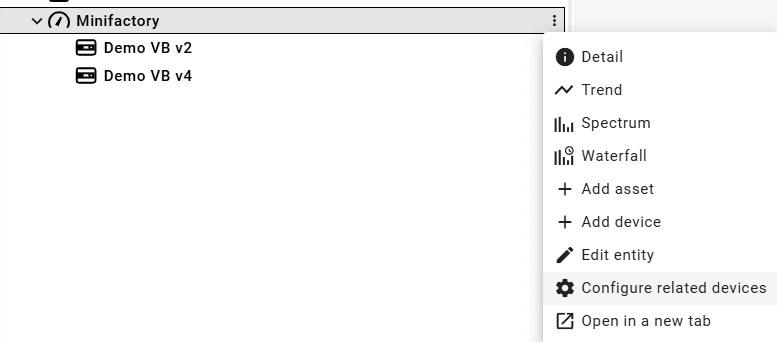
Batch configuration option
After clicking on any of the abovementioned options, a form-type configuration management with all the available options will be available. The configuration options differ per device; refer to the product documentation to learn more about the configuration options.