


SolidRed 3.1
Entity image
Table of contents
Add an image
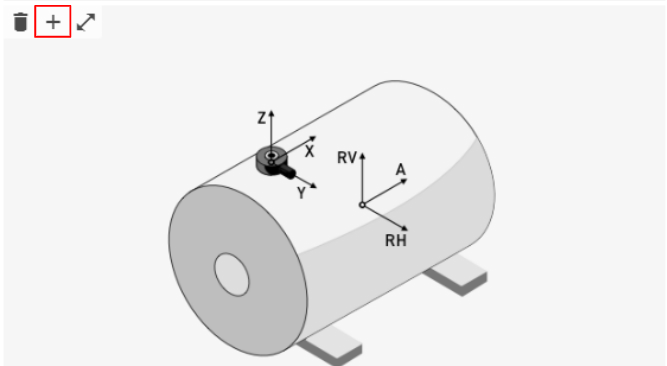
To add a custom image to the Machine overview or Device overview dashboard, click the Plus sign in the left top corner when hovering over the image of the entity:
The following screen will appear:
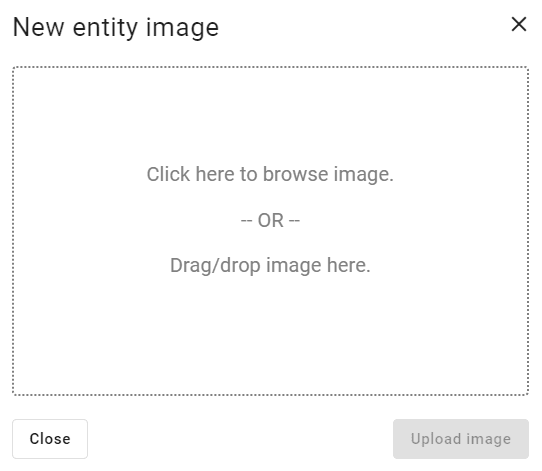
To upload a custom image, drag/drop or click the field to use the file explorer.
Remove an image
Clicking on the remove icon will delete the existing image.
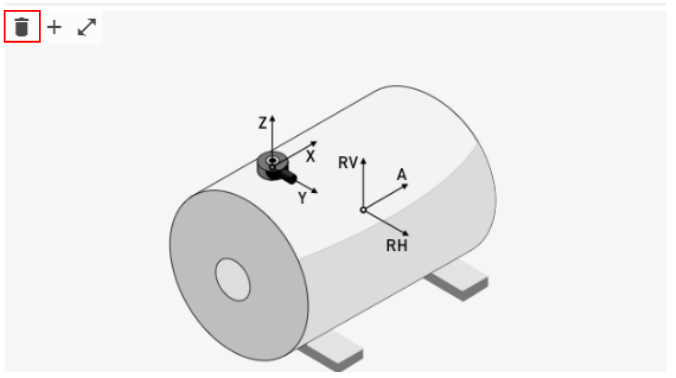
A confirmation window will appear and if the user clicks OK the entity's image will be deleted and the default image will show in its place.